

Introduction to Aya Vision
Introducing Aya Vision - a state-of-the-art open-weights multimodal multilingual model.
In this notebook, we will explore the capabilities of Aya Vision, which can take text and image inputs to generates text responses.
The following links provide further details about the Aya Vision model:
- The launch blog
- Documentation
- Hugging Face model page for Aya Vision 32B.
This tutorial will provide a walkthrough of the various use cases that you can build with Aya Vision. By the end of this notebook, you will have a solid understanding of how to use Aya Vision for a wide range of applications.
The list of possible use cases with multimodal models is endless, but this notebook will cover the following:
- Setup
- Question answering
- Multilingual multimodal understanding
- Captioning
- Recognizing text
- Classification
- Comparing multiple images
- Conclusion
Setup
First, install the Cohere Python SDK and create a client.
Next, let’s set up a function to generate text responses, given an image and a message. It uses the Cohere API via the Chat endpoint to call the Aya Vision model.
To pass an image to the API, pass a Base64-encoded image as the image_url argument in the messages parameter. To convert and image into a Base64-encoded version, we can use the base64 library as in this example.
Let’s also set up a function to render images on this notebook as we go through the use cases.
Note: the images used in this notebook can be downloaded here
Question answering
One of the more common use cases is question answering. Here, the model is used to answer questions based on the content of an image.
By providing an image and a relevant question, the model can analyze the visual content and generate a text response. This is particularly useful in scenarios where visual context is important, such as identifying objects, understanding scenes, or providing descriptions.

Multilingual multimodal understanding
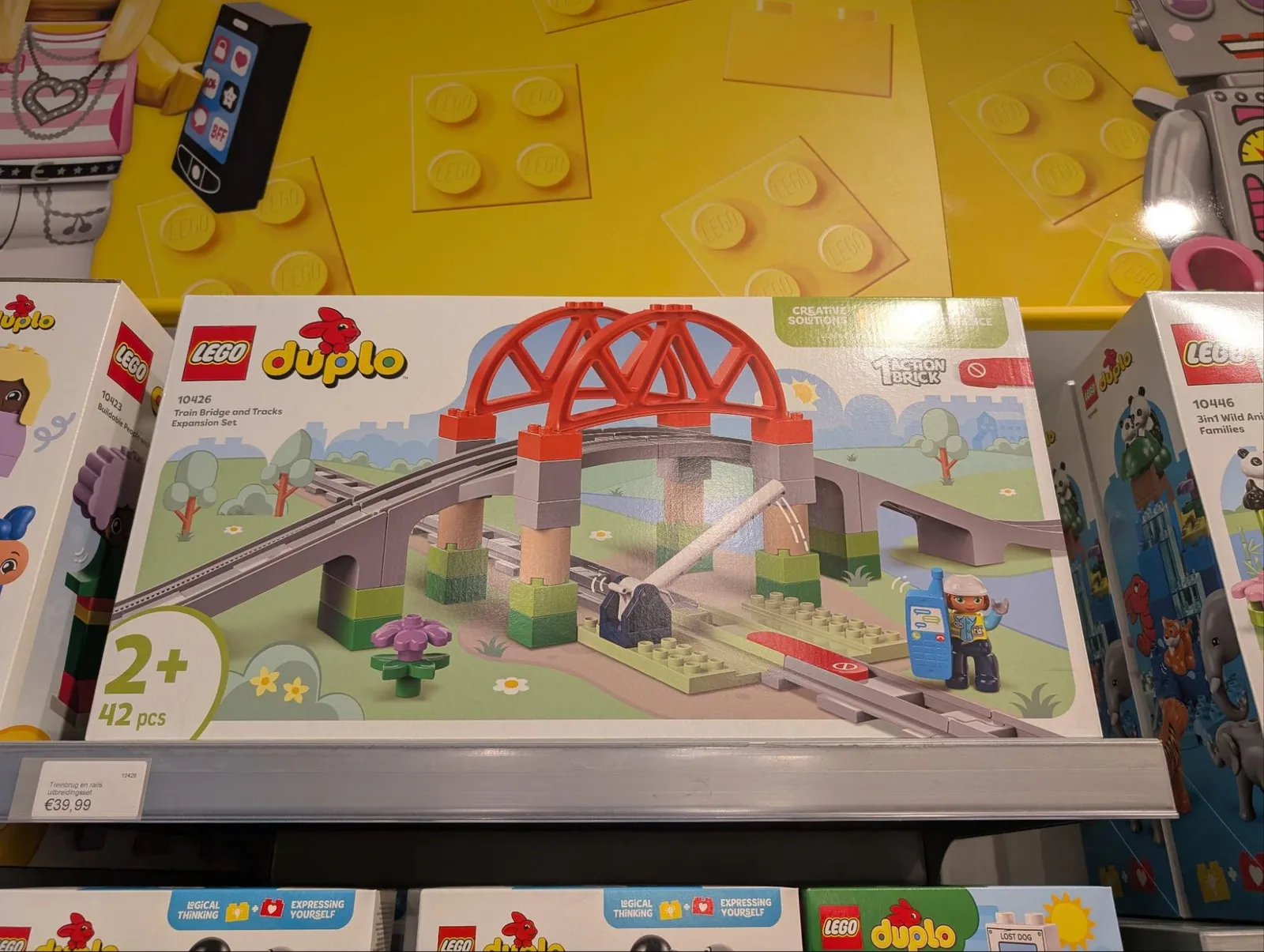
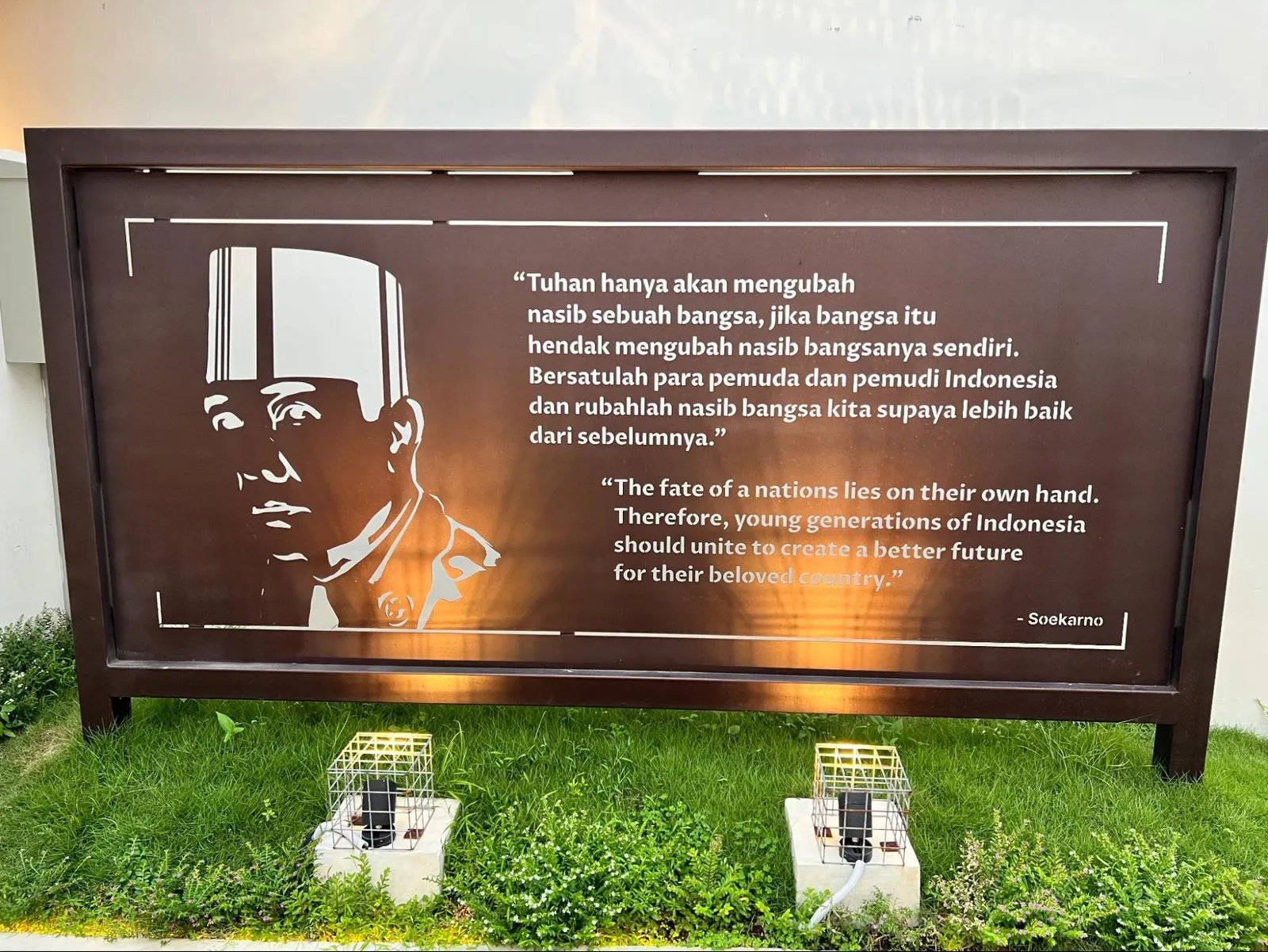
Aya Vision can process and respond to prompts in multiple languages, demonstrating its multilingual capabilities. This feature allows users to interact with the model in their preferred language, making it accessible to a global audience. The model can analyze images and provide relevant responses based on the visual content, regardless of the language used in the query.
Here is an example in Persian:
And here’s an example in Indonesian:
Captioning
Instead of asking about specific questions, we can also get the model to provide a description of an image as a whole, be it detailed descriptions or simple captions.
This can be particularly useful for creating alt text for accessibility, generating descriptions for image databases, social media content creation, and others.

Recognizing text
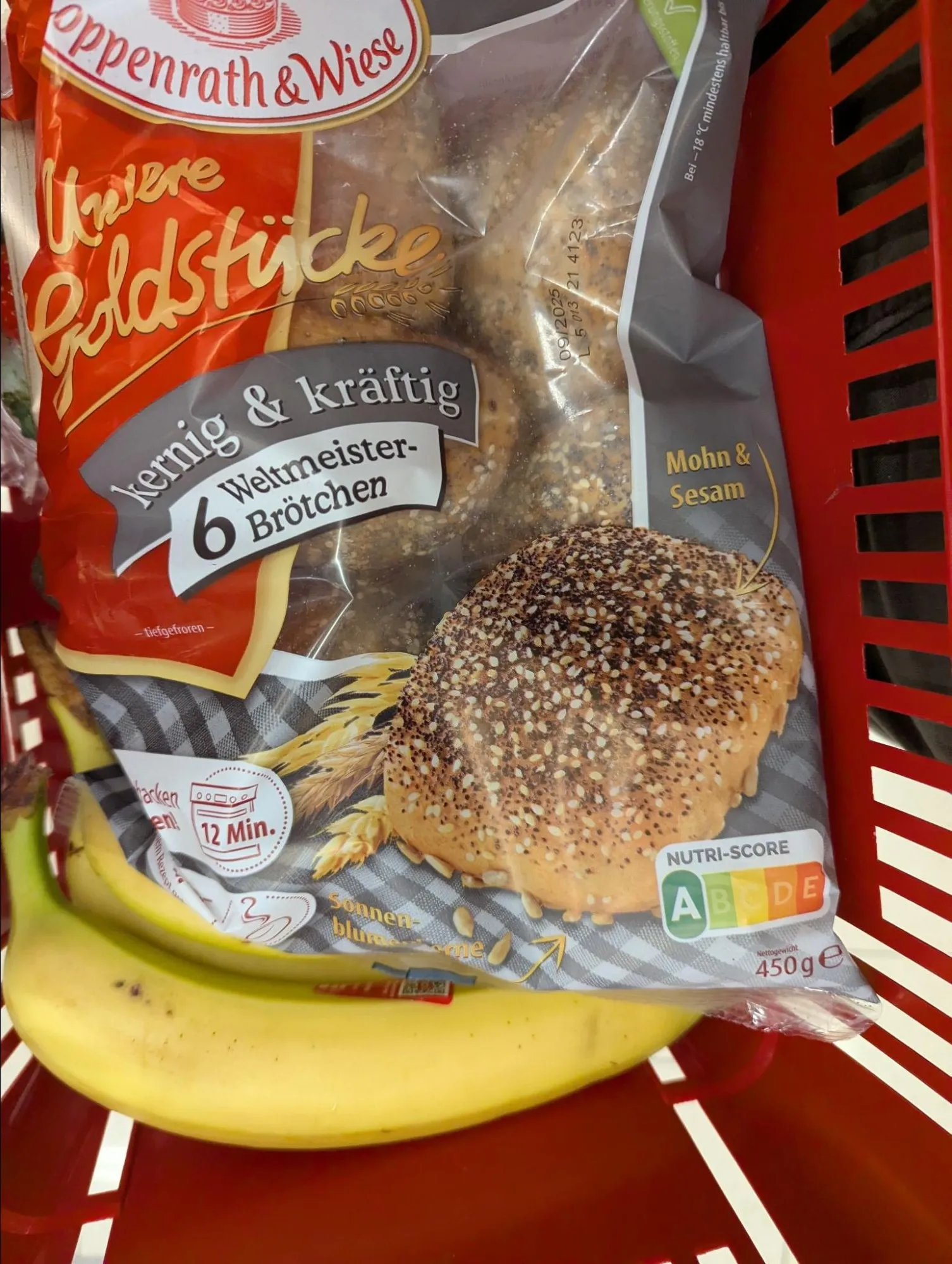
The model can recognize and extract text from images, which is useful for reading signs, documents, or other text-based content in photographs. This capability enables applications that can answer questions about text content.
Classification
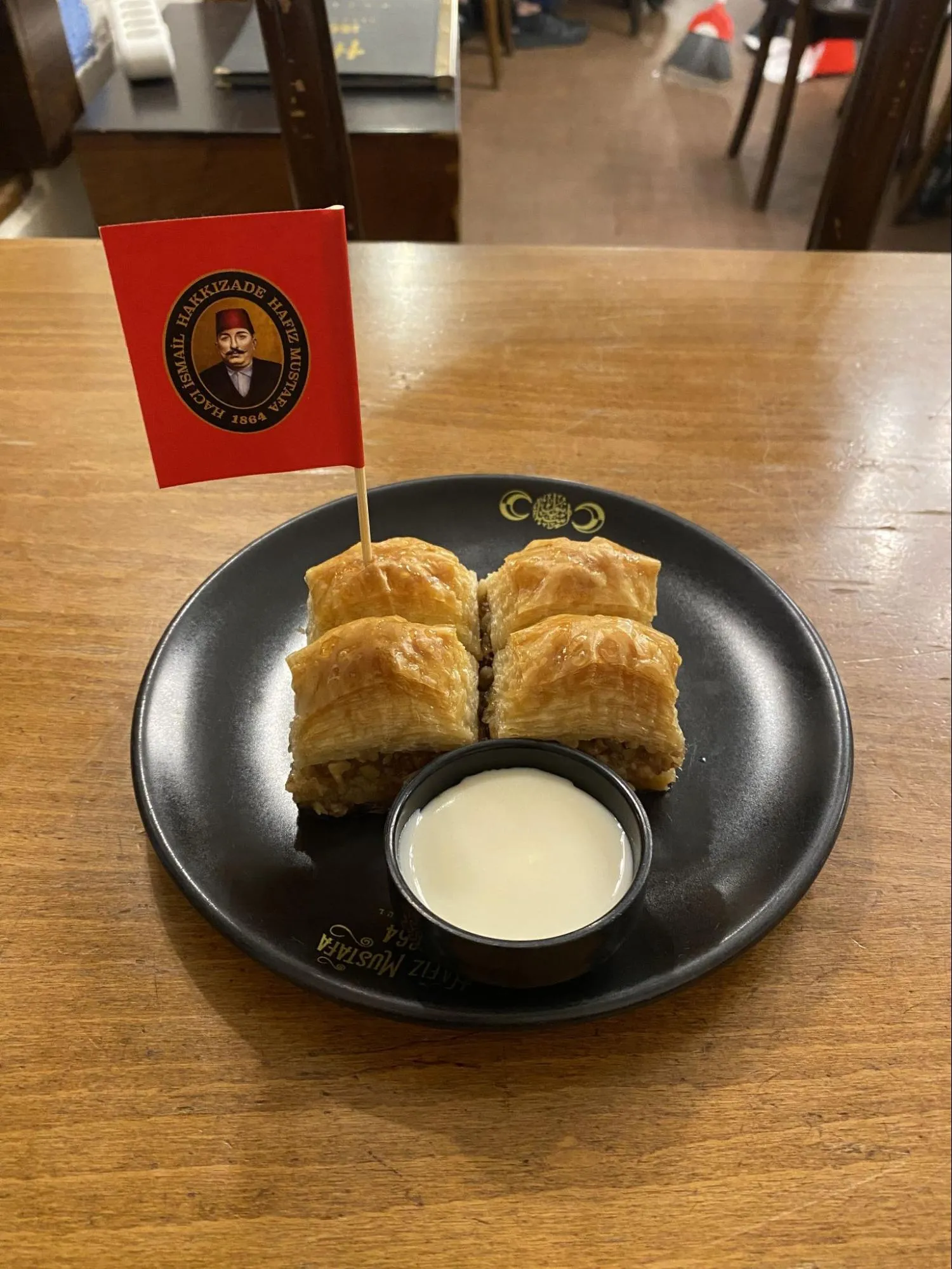
Classification allows the model to categorize images into predefined classes or labels. This is useful for organizing visual content, filtering images, or extracting structured information from visual data.

Comparing multiple images
This section demonstrates how to analyze and compare multiple images simultaneously. The API allows passing more than one image in a single call, enabling the model to perform comparative analysis between different visual inputs.
Conclusion
In this notebook, we’ve explored the capabilities of the Aya Vision model through various examples.
The Aya Vision model shows impressive capabilities in understanding visual content and providing detailed, contextual responses. This makes it suitable for a wide range of applications including content analysis, accessibility features, educational tools, and more.
The API’s flexibility in handling different types of queries and multiple images simultaneously makes it a powerful tool if you are looking to integrate advanced computer vision capabilities into your applications.